Changing the data
These options change the readings themselves, for every chart and statistic. When any is on, a yellow note appears above the chart and on the Overview, with Undo all. Nothing changes your file.
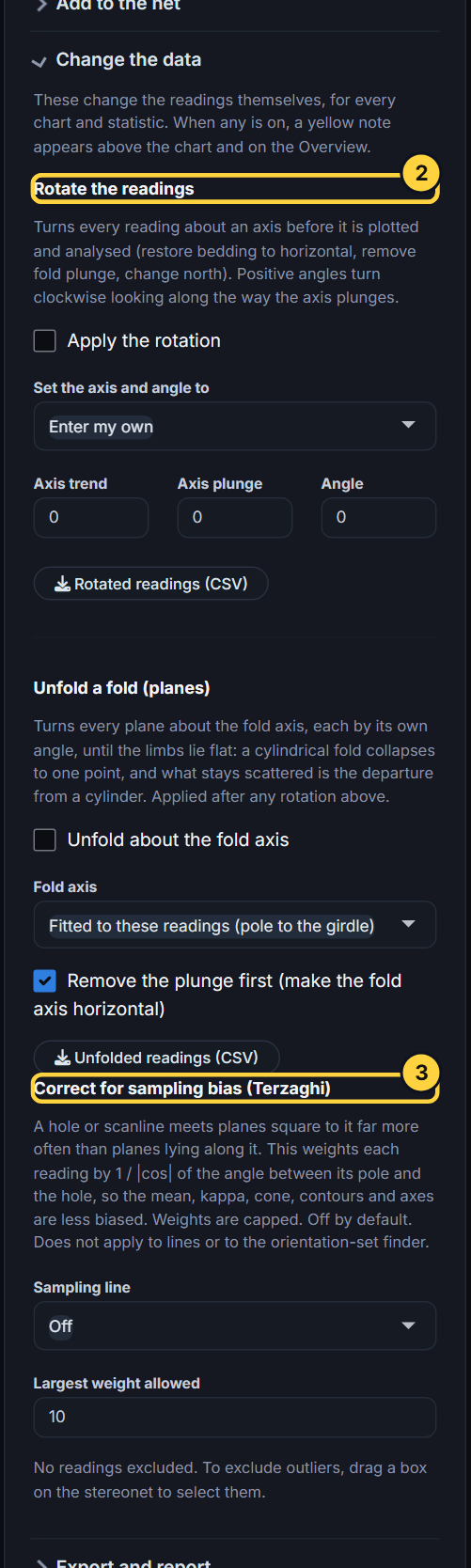
- Rotate the readings: Turns every reading about an axis before it is plotted: restore bedding to horizontal, remove fold plunge, or change north. Positive angles turn clockwise looking along the way the axis plunges.
- Unfold a fold: Turns every plane about the fold axis, each by its own angle, until the limbs lie flat. A cylindrical fold collapses to one point; what stays scattered is the departure from a cylinder.
- Correct for sampling bias (Terzaghi): A hole meets planes square to it far more often than planes lying along it. This weights each reading by 1 / |cos| of the angle between its pole and the hole (capped), so the mean, kappa, cone and contours are less biased. Off by default.